Event app, Zoom and Teams integrations
Keep your event app.
Snapsight works inside it.
Embed the live session views in your app, or open them from a link.
Works inside any event app that can embed a page or open a link, including Swapcard, Cvent, Bizzabo, Whova, Grip, Brella, EventsAir, Hubilo, EventMobi and Stova.
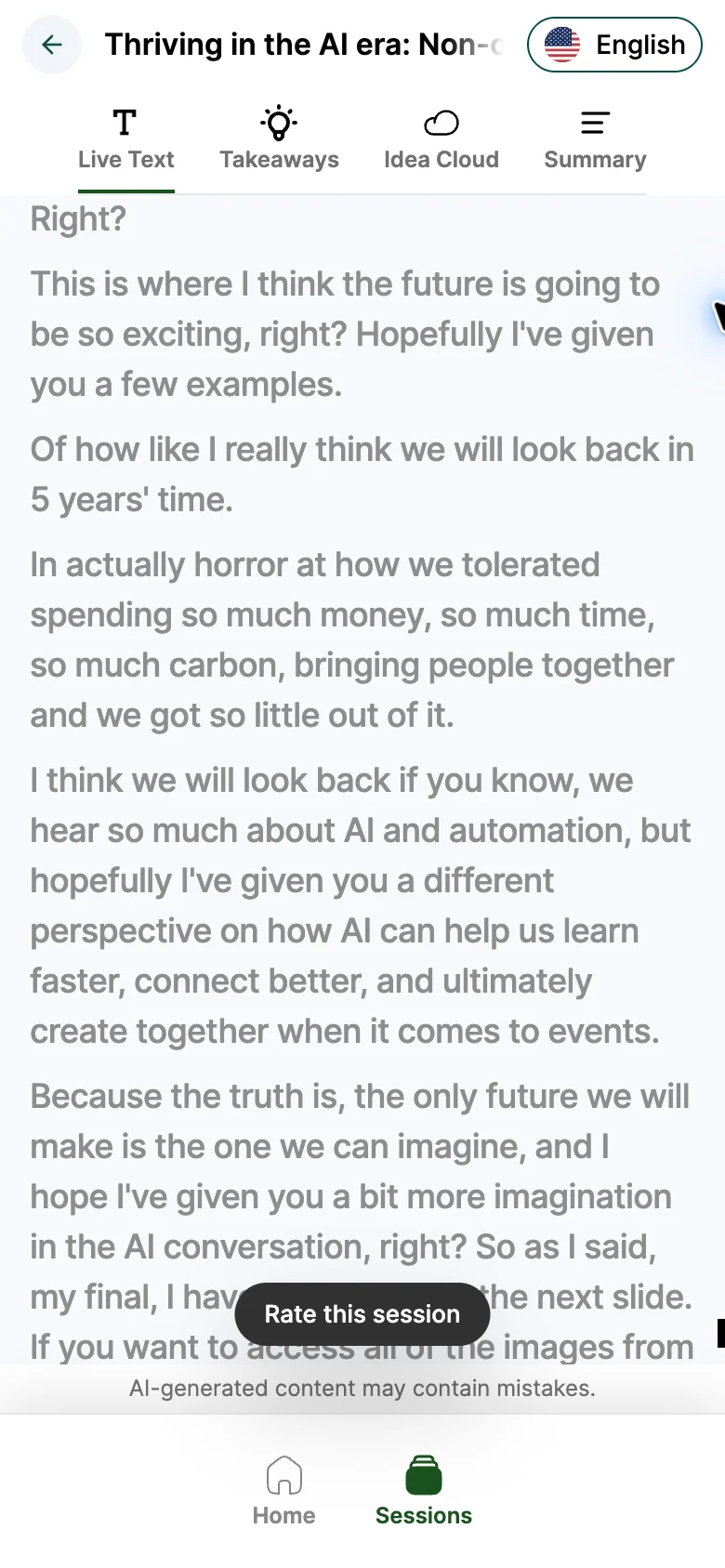
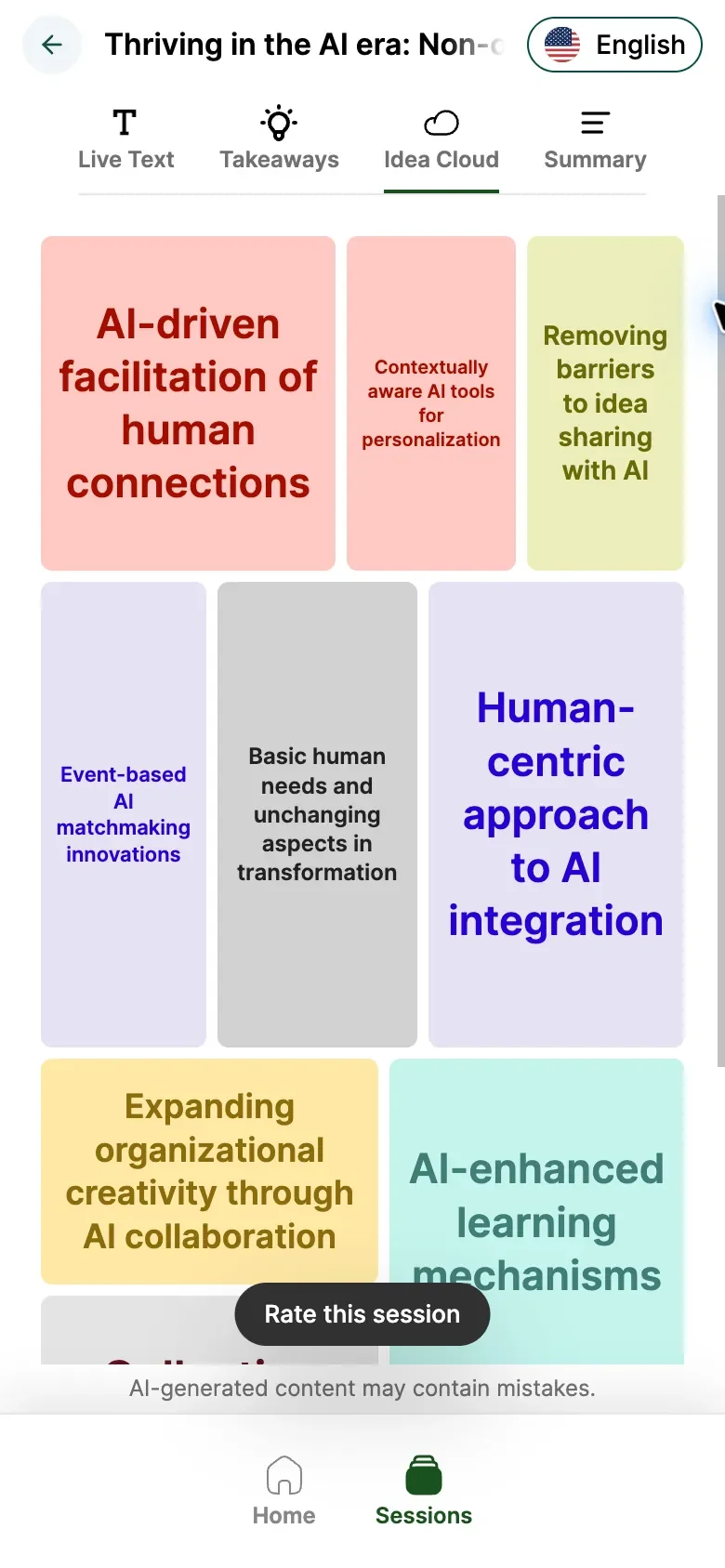
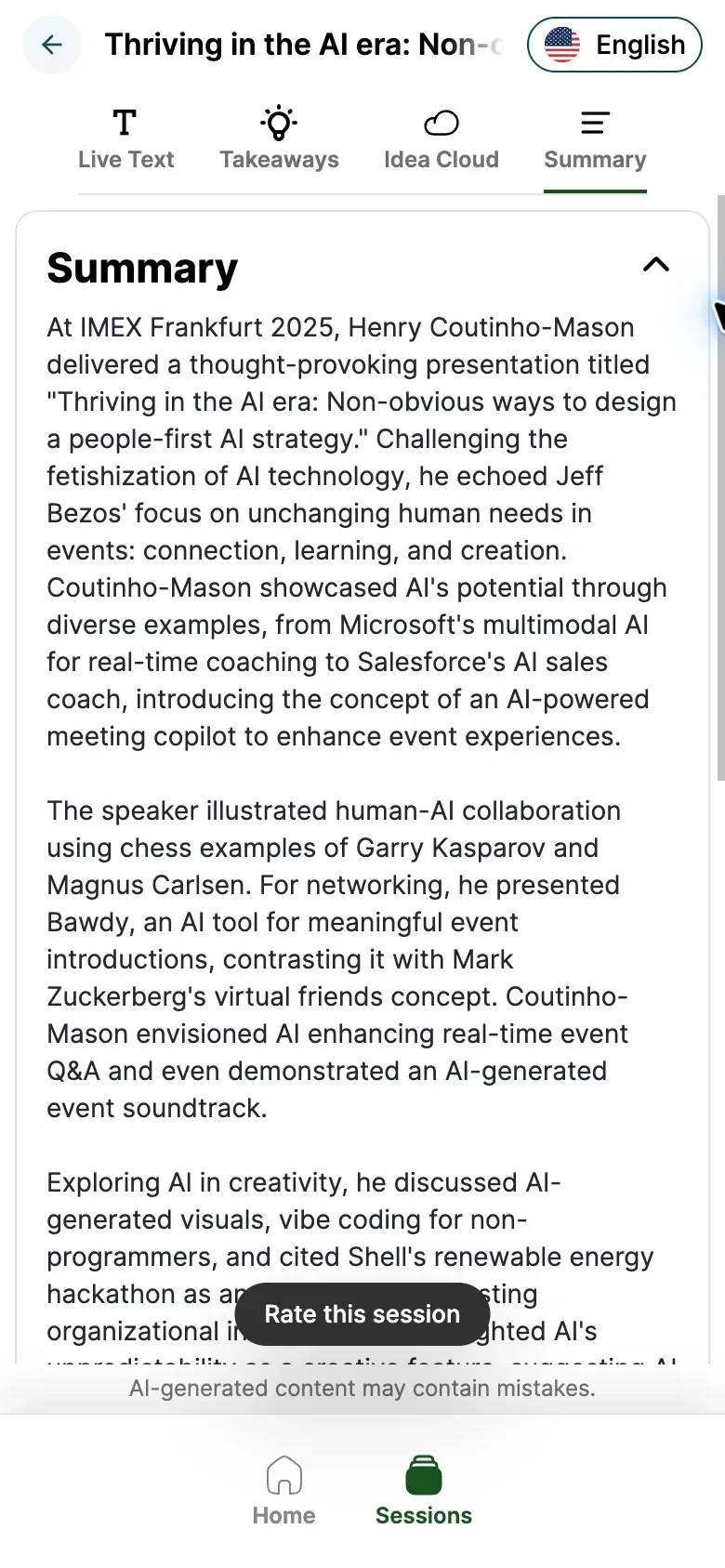
Your app team adds one link.
Embedded, or opened in the app.
One link for the whole event, and one for every session.
- IMEX Frankfurt 2025Thriving in the AI era
 snapsight.com/live-channel/…
1Copy the session links.Every session has its own link, the same one behind its QR code.
- IMEX Events app
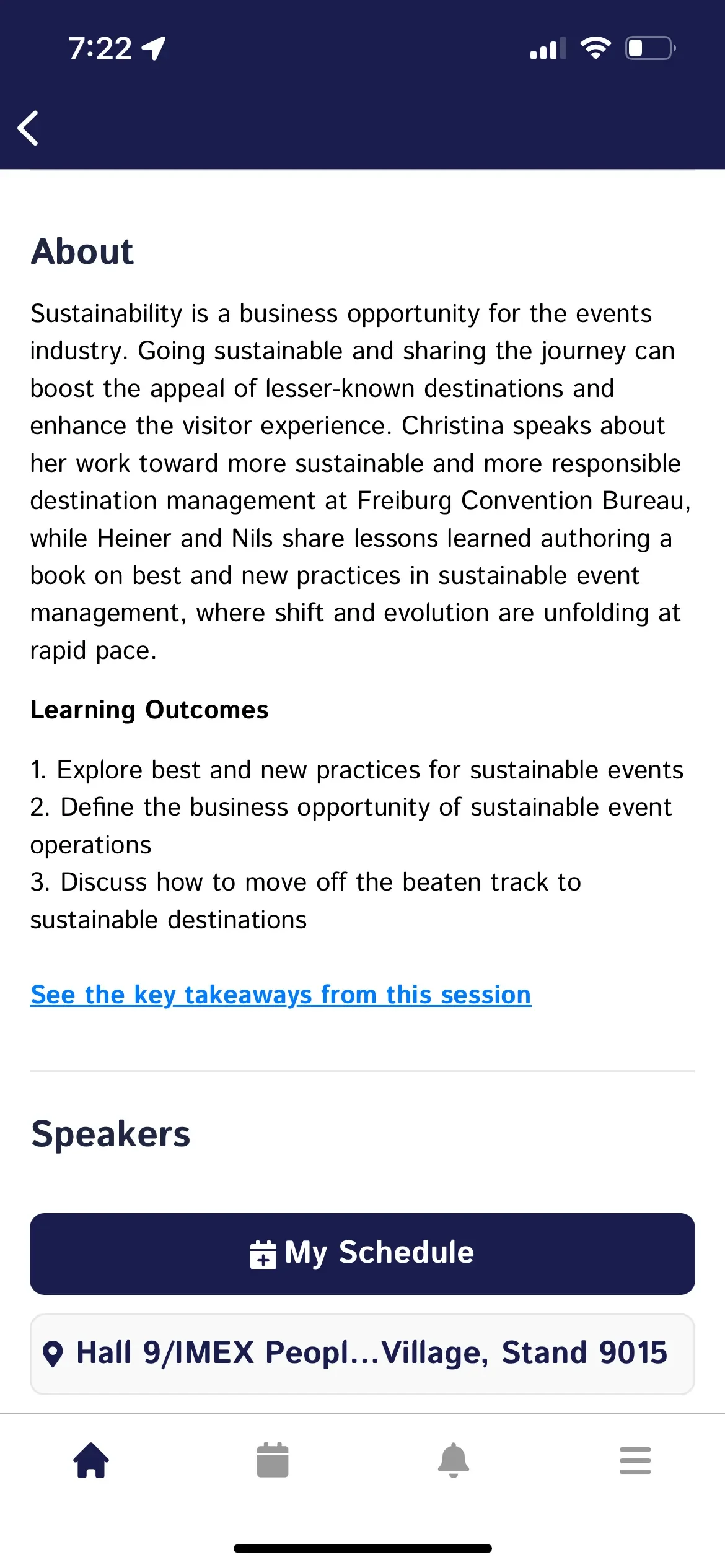
2Add them to your app.Embed the page in a tab or on the session, or add it as a link.
- snapsight.com allowedDonesnapsight.com
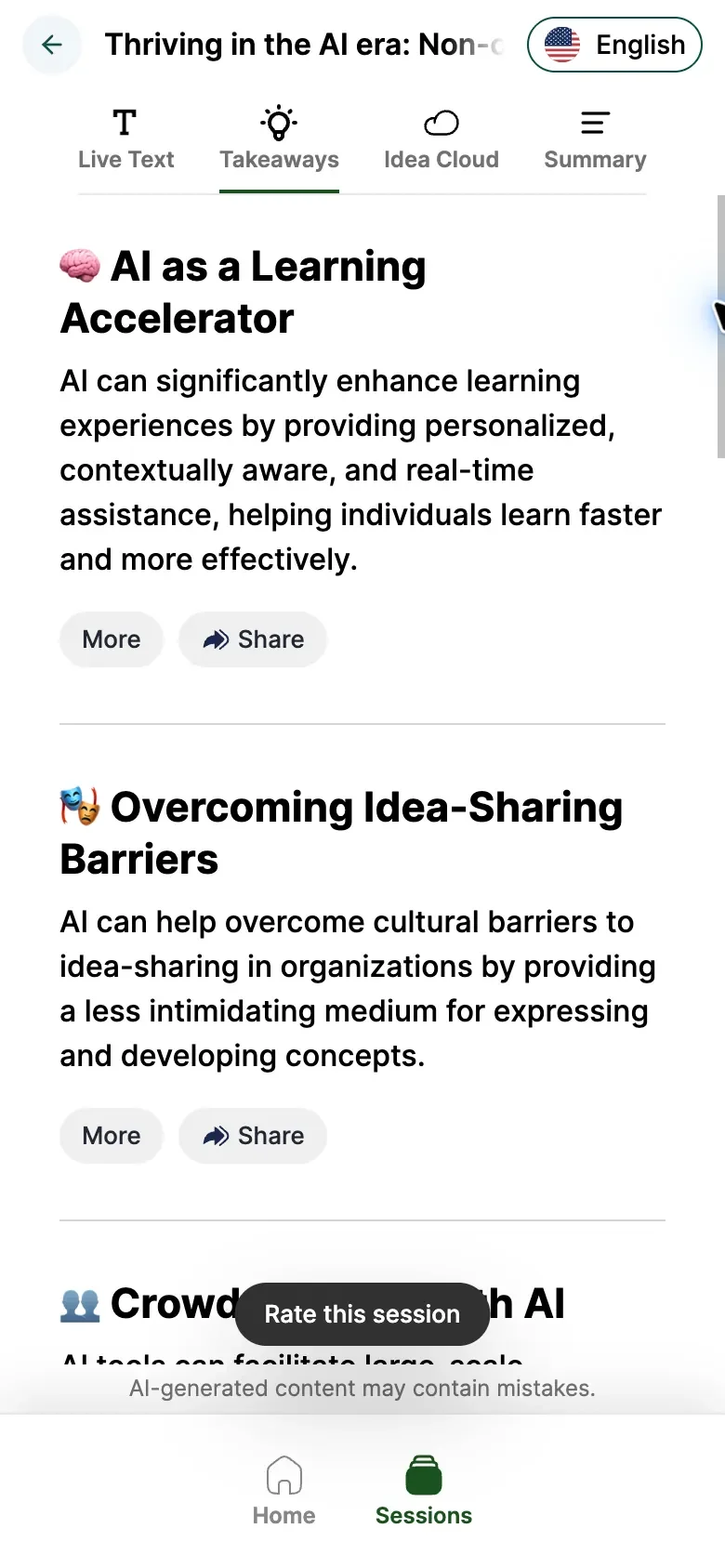
3Allow the link.Then it opens inside the app’s own browser, not outside it.
- 1Copy the session links.Every session has its own link, the same one behind its QR code.
- 2Add them to your app.Embed the page in a tab or on the session, or add it as a link.
- 3Allow the link.Then it opens inside the app’s own browser, not outside it.
It already runs inside event apps.
Organisers put it in their own.
FIP put it in its congress app for every presentation. IMEX, ICCA and UFI put it in theirs.
“It was really easy to integrate into our mobile app which I think made all the difference.”
 FIP World Congress 2025Real-time translations and key takeaways from all congress presentations, in the FIP Congress App.
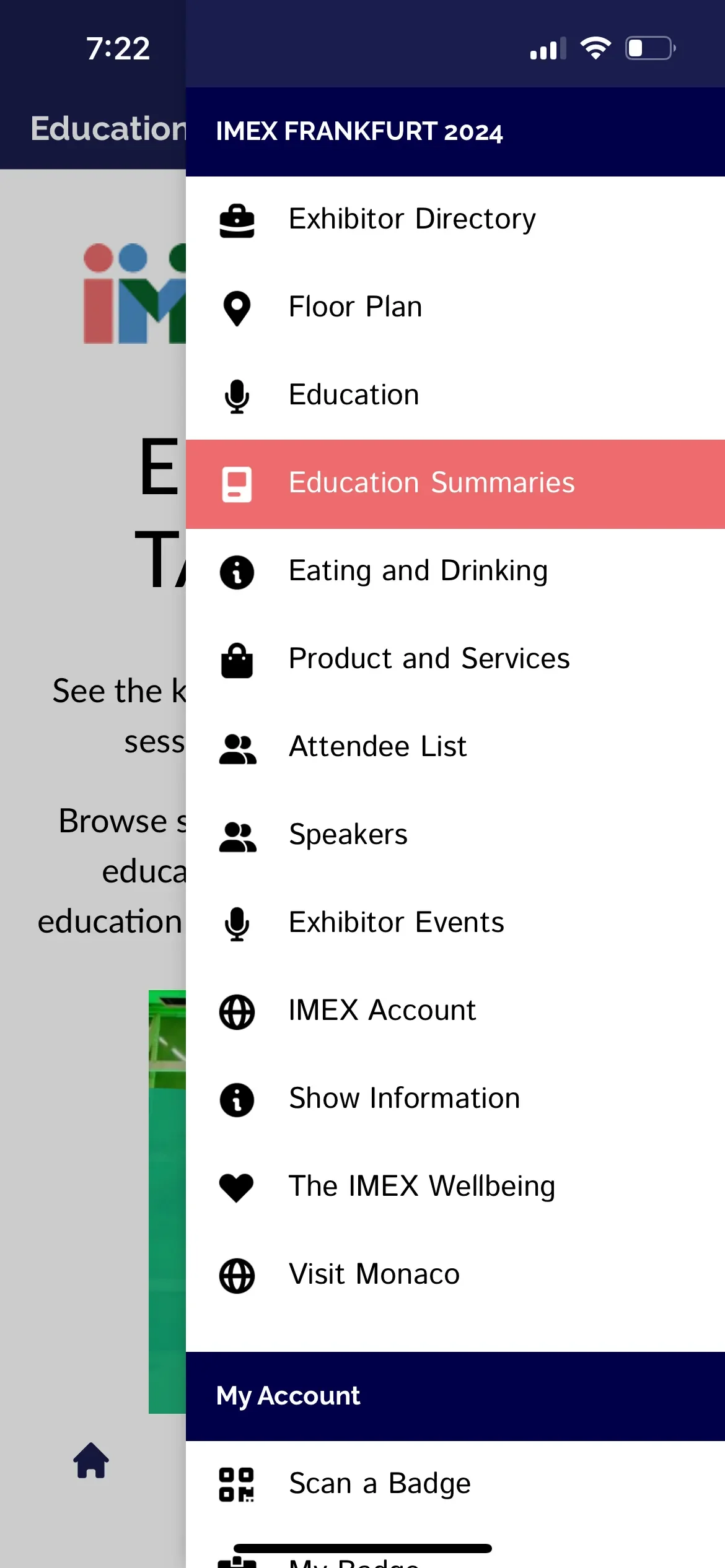
 IMEX Frankfurt 2024Summaries and Idea Clouds for 150+ education sessions, in the IMEX Events app.
 UFI European Conference 2024UFI’s tech team added takeaways to its conference app themselves, with no code.
Online and hybrid sessions
on Zoom, Teams and Google Meet.
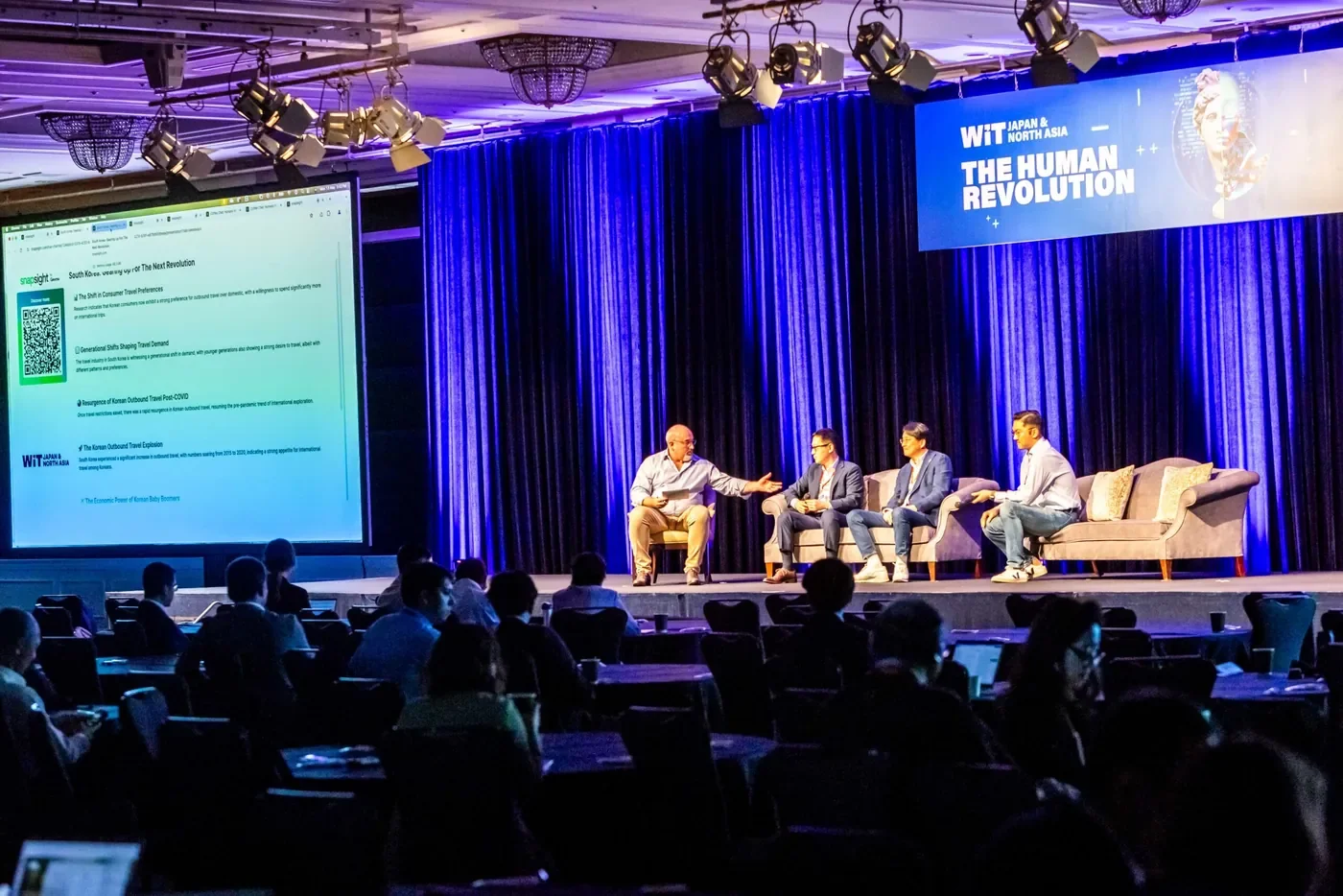
Remote attendees open the same session link as the room.

Listening to your session
From the room or online
Of how like I really think we will look back in 5 years’ time. Because the truth is, the only future we will make is the one we can imagine, and I hope I’ve given you a bit more imagination in the AI conversation, right?
Of how like I really think we will look back in 5 years’ time. Because the truth is, the only future we will make is the one we can imagine, and I hope I’ve given you a bit more imagination in the AI conversation, right?
Everyone opens the same session link.
Your team signs in
with the SSO it already uses.
Microsoft Entra ID (formerly Azure AD), Okta and other identity providers.
Sign in to your team
Work email
Your identity provider
Redirected from Snapsight
- Microsoft Entra ID
- Okta
- Other identity provider
Single sign-on is part of Enterprise, alongside team administration. Read about security
Illustration · single sign-on for your team, on Enterprise
Take the content into your own systems
over the API or MCP.
Takeaways and summaries as data, or answers in your own AI assistant.
{
  "session": "Thriving in the AI era",
  "speaker": "Henry Coutinho-Mason",
  "event": "IMEX Frankfurt 2025",
  "takeaways": [
    "Focus on Unchanging Human Needs",
    "AI as a Learning Accelerator",
    "AI for Better Human Connections"
  ]
}
What did Henry Coutinho-Mason say at IMEX Frankfurt 2025?
snapsight · getSessionKeyTakeaways
- Focus on Unchanging Human NeedsWhen developing AI strategies, focus on unchanging human needs and wants rather than solely on technological advancements. This approach allows for more sustainable and valuable innovations.
- AI as a Learning AcceleratorAI can significantly enhance learning experiences by providing personalized, contextually aware, and real-time assistance, helping individuals learn faster and more effectively.
- AI for Better Human ConnectionsAI can be leveraged to foster more meaningful human connections at events, moving beyond automation to facilitate relevant and valuable networking opportunities.
Need something custom? Integrations are part of Enterprise. Talk to us about Enterprise
Questions about
integrations.
Can Snapsight work inside Cvent, Swapcard or our event app?
Yes. Snapsight works inside any event app that can embed a web page or open a link, including Swapcard, Cvent, Bizzabo, Whova, Grip, Brella, EventsAir, Hubilo, EventMobi and Stova. FIP ran it in its congress app, and IMEX, ICCA and UFI in theirs.
Is it a formal integration with those apps?
It doesn’t need one. Snapsight uses what event apps already support: embedding a web page or opening a link. Identiverse 2024 linked to its session reports from its own event app, and UFI’s tech team added takeaways to its conference app themselves, with no code.
Which parts of Snapsight can we embed in our app?
The session views: live text, takeaways, Idea Cloud and summary. Every session has its own link, the same one behind its QR code, and there is one link for the whole event.
Will attendees be sent out of the app?
Not if you embed it. If you use a link, your app team allows the Snapsight link, and most apps then open it in their own in-app browser.
Does Snapsight work for sessions on Zoom, Teams and Google Meet?
Yes. Snapsight takes the audio from online sessions on Zoom, Microsoft Teams and Google Meet, and remote attendees open the same session link as the room to follow live text in their language.
Which identity providers do you support for SSO?
Microsoft Entra ID (formerly Azure AD), Okta and other identity providers, for your team’s sign-in. Single sign-on is part of Snapsight Enterprise, alongside team administration.
Does Snapsight have an API or an MCP server?
Yes. Pull takeaways and summaries into your own systems over the Snapsight API, or connect your own AI assistant to your sessions over MCP and ask it about any session.
What if we don’t have an event app?
Attendees don’t need one. Without an event app, they scan the session’s QR code or open its link in their phone’s browser.
Tell us what your event runs on.
We’ll show you how Snapsight fits.
Or start free and try a session link in your own app.