
Buyer’s guide · AI translation and live captions
How to choose AI translation
and captions for your event.
The questions to ask vendors, the checks that predict quality on the day, and the red flags. All on this page.
Get the guide by email
The full guide adds when to choose AI or an interpreter, and an RFP you can paste into a vendor email.
Loading form...
Twelve questions
to ask every vendor.
Score each answer 0 to 2. The highest of 24 is your shortlist.
Ask for answers in writing. They tell you more than any demo.
0 No or unclear1 Partly2 Yes, in writing
Test these five
on your own sessions.
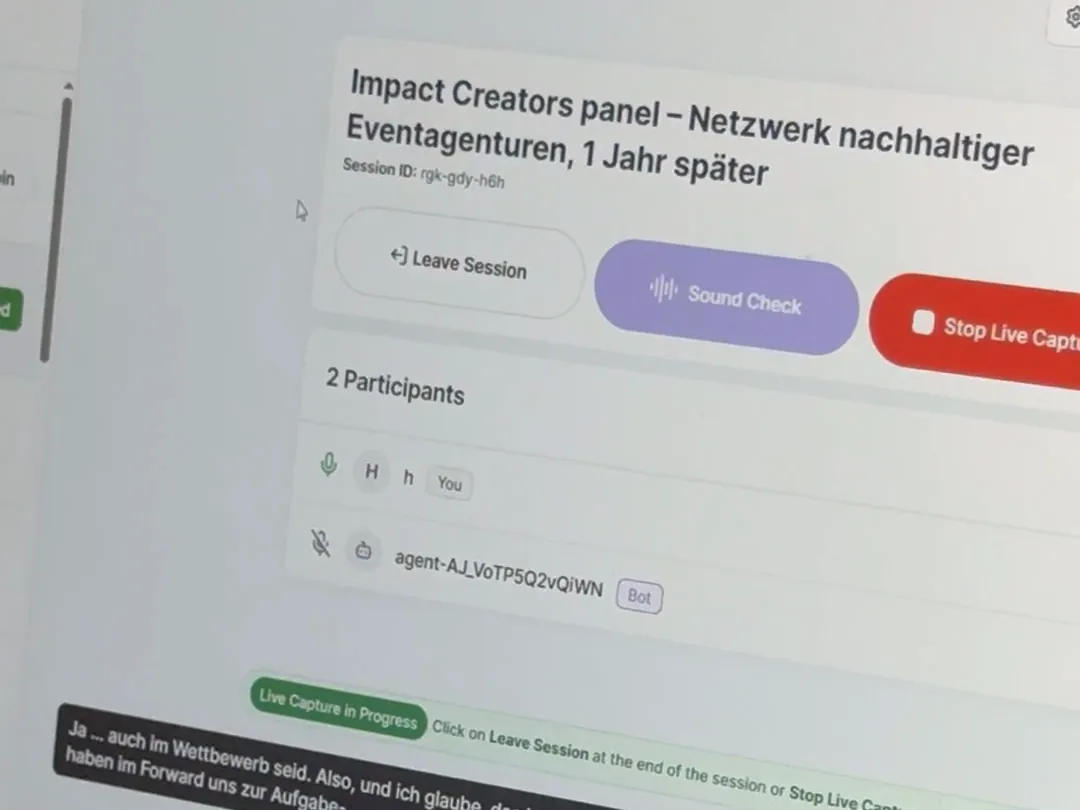
A polished demo proves little. A live trial with your audio does.
- Clean audio inA feed from the sound desk or close mics. Room audio is where most errors start.
- Every language, both waysSpeakers switch languages. Translation should follow them, not only from English.
- Audio and captions togetherSome attendees want to read, others to listen. Offer both.
- A glossary you controlBoost, block and replace terms, so names and acronyms come out right.
- Nothing to installNo app and no account. A link or QR code should be enough.
Eight red flags
that should end the conversation.
Any one of them outweighs a good score.
- 1Your content trains their language models.
- 2Attendees must download an app or create an account.
- 3It only works with one meeting platform.
- 4No live trial and no accuracy benchmark.
- 5They can’t explain their security controls.
- 6Per-language or per-session charges are hidden.
- 7Setup is measured in months, not days.
- 8Your content disappears when the event ends.
Questions about
choosing a vendor.
What should you ask an AI translation vendor before buying?
Twelve questions, grouped in three. Coverage and accuracy: how many languages and whether translation works in every direction, how accuracy is measured, custom glossaries, and transcripts in every language. Fit and experience: platform integrations, time to go live, what attendees must install, and device support. Trust and proof: WCAG 2.1 AA captions, independent security audits, whether your data trains their models, and references from events like yours.
When is a human interpreter better than AI translation?
For flagship, high-stakes, heavily planned sessions where certified accuracy and cultural nuance matter, legal and diplomatic settings especially. For recurring and multi-track events, compare AI on the language pairs, audio conditions and attendee needs you actually have, and test both reading and listening before deciding.
Should a medical congress use AI translation or interpreters?
Test AI on your own sessions before deciding. Medical talks are dense, so add drug names, trial acronyms and speaker names as custom vocabulary and take a direct feed from the sound desk; ARC APAC Summit ran Snapsight across 20+ jargon-heavy healthcare sessions. Keep interpreters for sessions where certified accuracy matters most.
How do you judge the quality of AI captioning before you buy?
Run a live trial on your own content, because a polished demo proves little. Check five things: clean audio from the sound desk or close mics, translation in every direction, audio and captions together, a glossary you control, and an attendee path with no app or account. Ask how the vendor measures quality; serious ones benchmark on BLEU, COMET and word error rate.
What are the red flags when choosing an event translation platform?
There are eight. Your content trains their models; attendees must download an app or create an account; it only works with one meeting platform; there is no live trial or accuracy benchmark; they can’t explain their security controls; per-language or per-session charges are hidden; setup is measured in months; or your content disappears when the event ends.
How do I use the vendor scorecard?
Score each shortlisted vendor 0, 1 or 2 on each of the twelve questions: 0 for no or no clear answer, 1 for a partial answer, 2 for a clear yes in writing. The highest of 24 points is your shortlist, and any red flag can rule a vendor out on its own.
What should an event translation RFP include?
Your rooms, sessions, days and languages, and whether attendees need to read, listen or both. Then ask for written answers to the twelve questions in this guide. The emailed version of the guide includes an RFP you can paste into a vendor email.
Put Snapsight
through all twelve.
Bring your questions and a session of your own to a demo.